
The SeeThru field guide & product finder
Learn LED.
Then find yours.
Every display type and every diode technology — mesh, transparent, direct-view, floor, XR; SMD, COB, GOB, COG, MIP — explained in plain English. Read it straight through as a complete guide, or make a pick as you go and we’ll match you to the exact product at the end.
A complete, honest guide.
No selections required. Every section explains the technology in depth — what each term means, why it matters, typical values and a buyer tip — so you can spec with confidence and walk away smarter. Nothing is gated.
Build as you browse.
Start here · the two questions that decide everything
Where it lives, and who’s watching.
Before a single spec, two facts narrow the entire build: the environment the display sits in, and how close the nearest viewer stands. Answer these and the right pitch, brightness and protection mostly choose themselves. (Optional — but it’s where the finder begins.)
The Package · the diode
How the light is made.
The packaging technology is the foundation everything else is built on — it sets how fine the pixels can go, how tough the surface is, how rich the contrast looks, and what it costs. Select any technology to see how it works and when to choose it.
Pixel pitch · the number everyone fixates on
Which package reaches which pitch.
Pitch is the distance between pixels in millimetres — smaller means sharper, denser and pricier. Each packaging technology lives in its own range; here’s where they overlap.
Don’t over-buy pitch
Pitch ⇄ viewing distance.
The single most important trade-off in LED. Drag to see the closest a viewer can stand before pixels show — and the distance where a finer pitch would be invisible money.
The Form · the format
How it’s shaped.
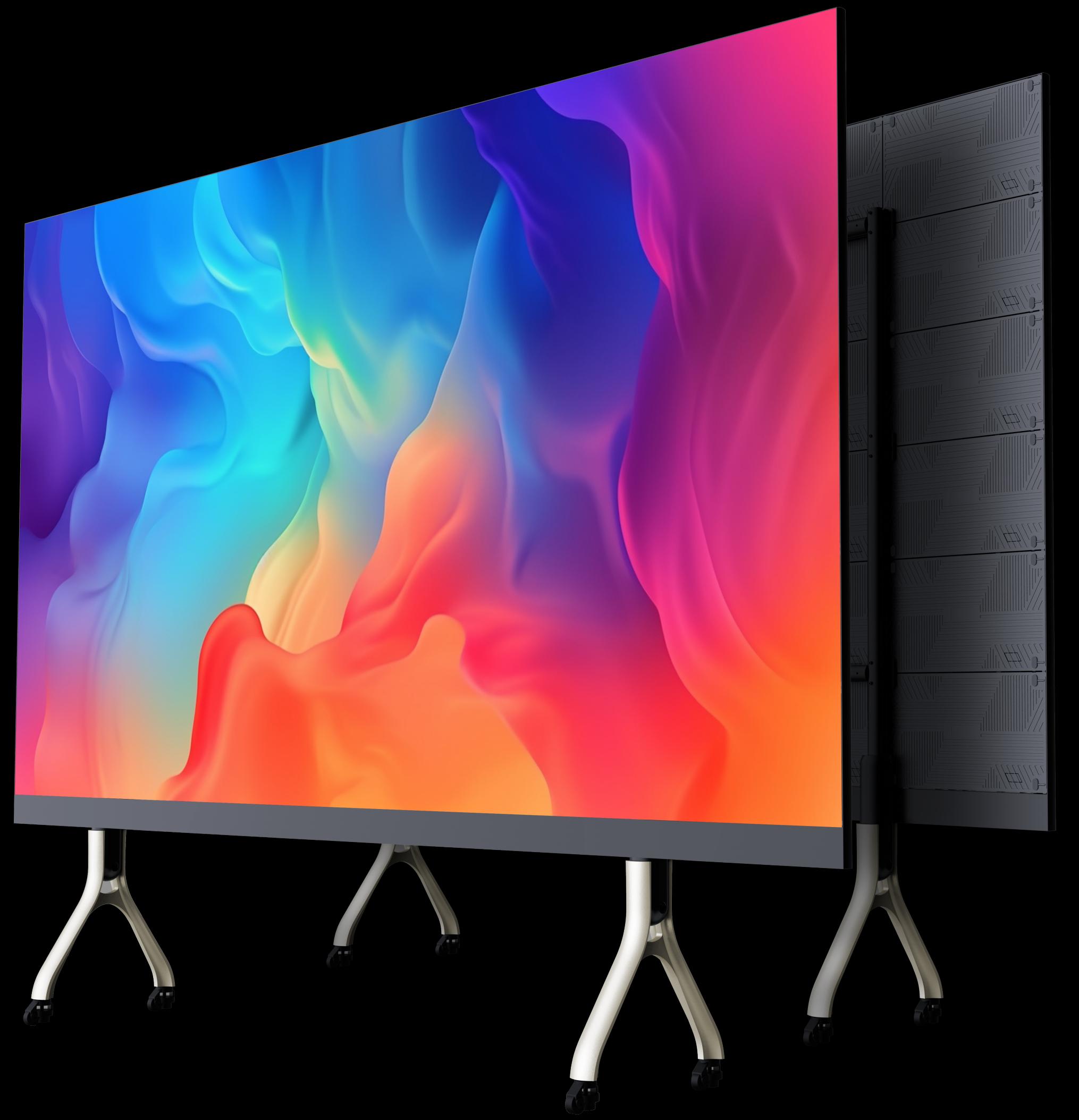
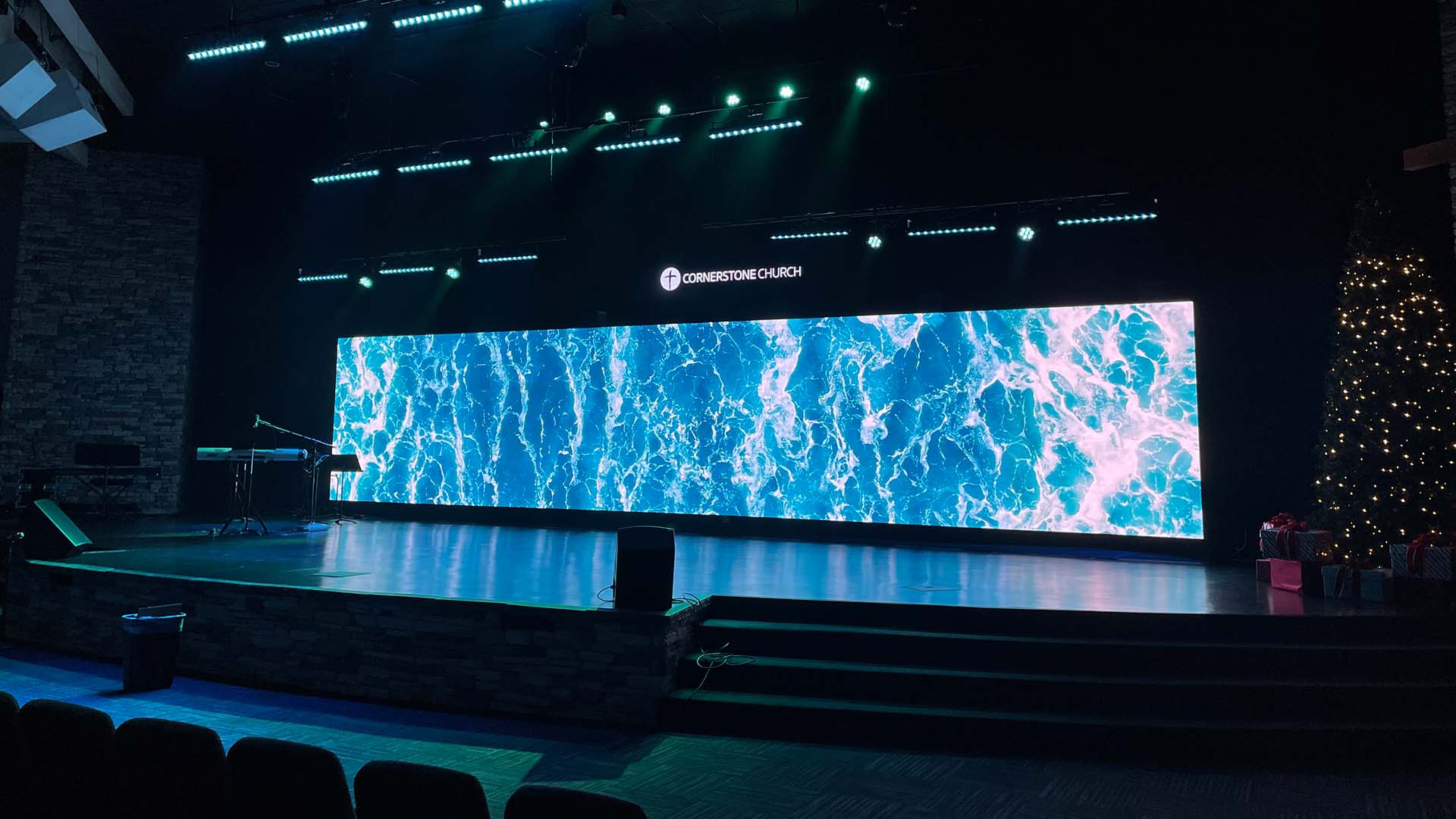
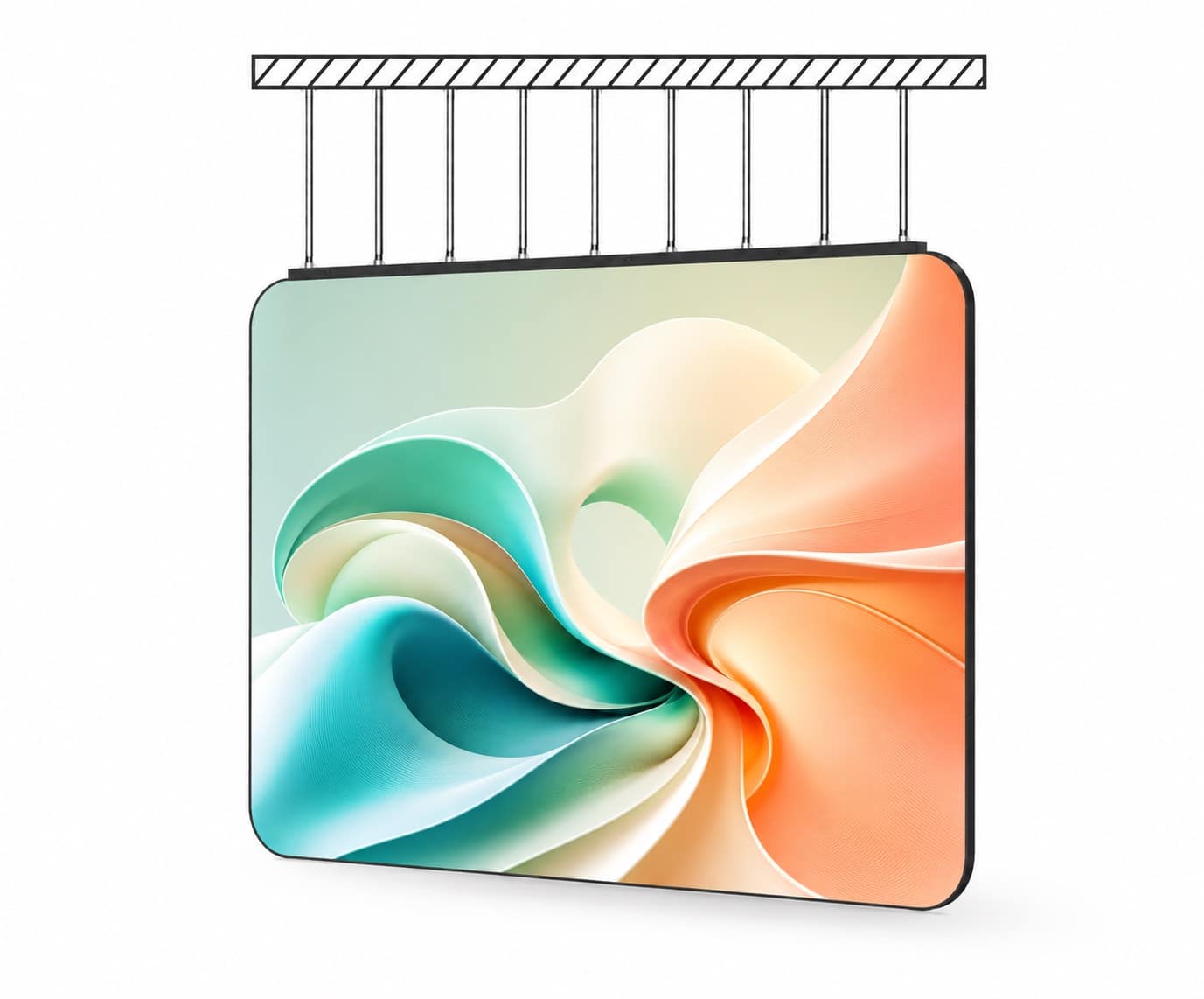
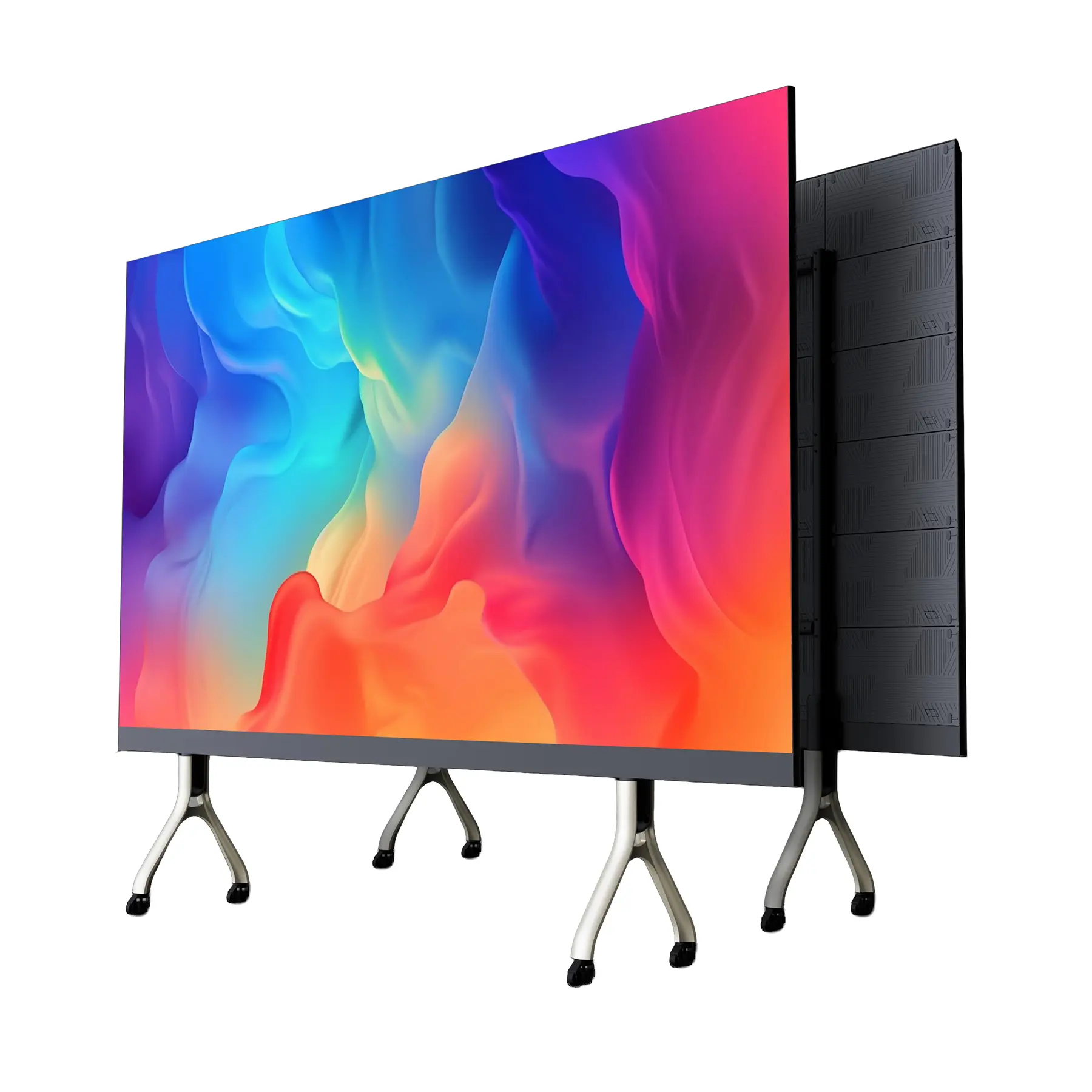
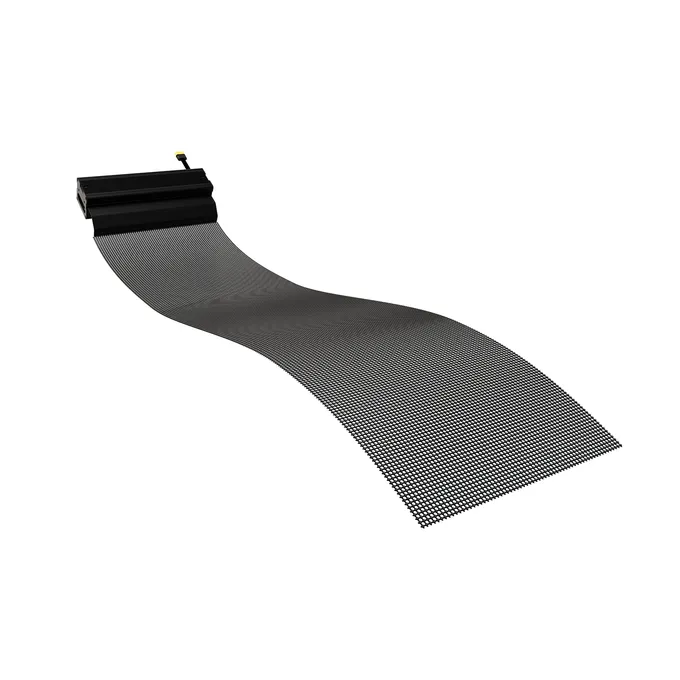
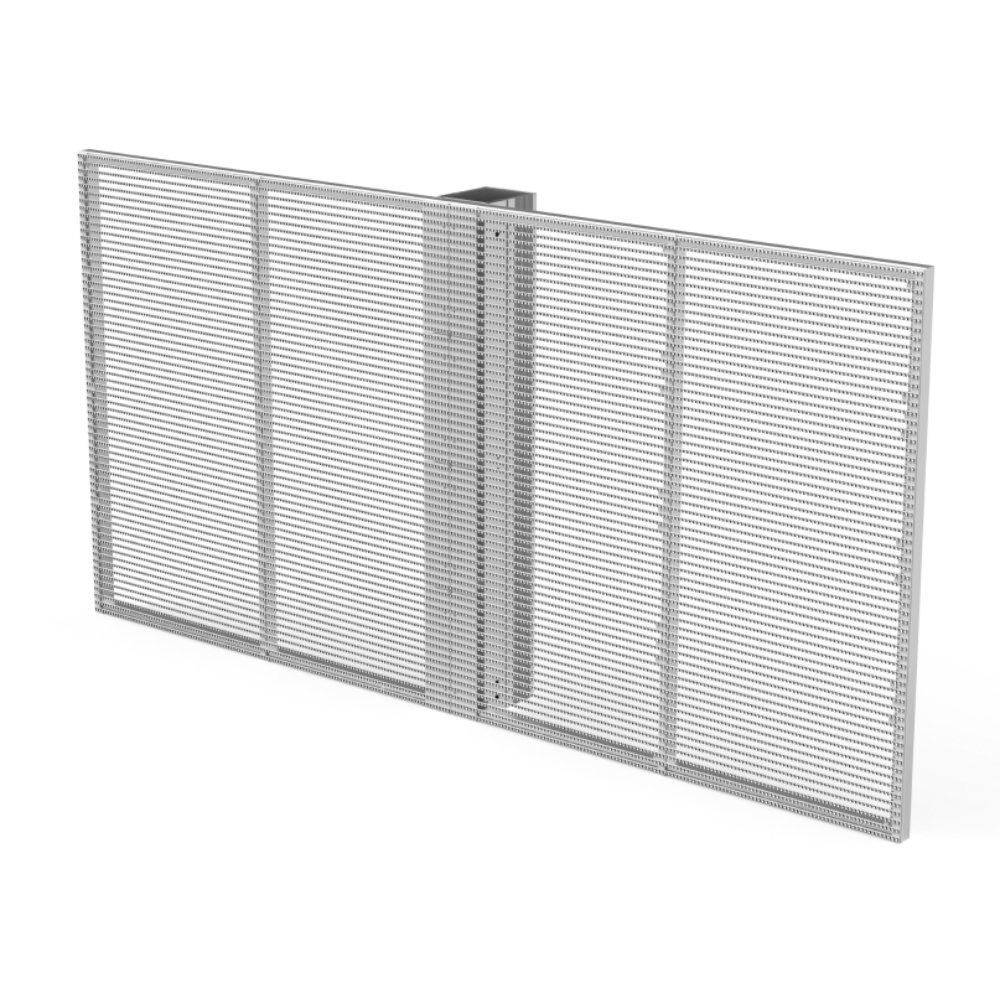
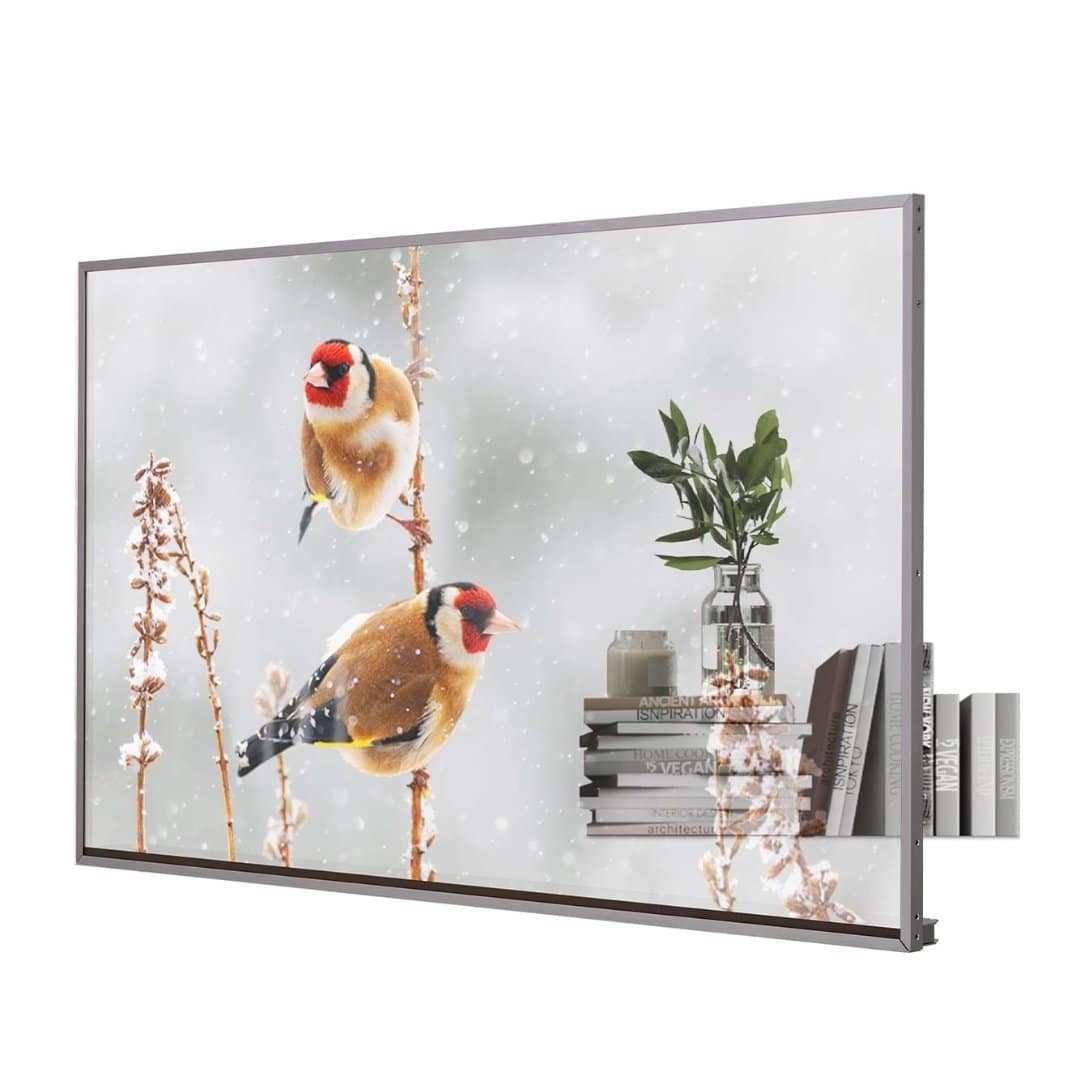
Same pixels, radically different products. The form factor is the physical format the display takes — each adds its own headline spec, from transparency percentage to load rating. Tap the + on any that fit your project to add them to your build.
The Image · what the eye sees
Brightness, colour & motion.
Three families of spec decide whether the wall is readable, lifelike and clean on camera. Skim the cards for the full picture — then tell us what it needs to show.
Brightness & light output
Colour & image quality
Motion & video performance
The Build · everything behind the pixels
The engineering that lasts.
A display is a 5–10 year investment in electronics, metal and software. These are the specs that separate one that ages gracefully from one that becomes a patchwork of dead pixels and service calls.
Drive electronics & control
Physical & mechanical build
Environmental & protection ratings
Power & electrical
Reliability, lifespan & warranty
Standards & commercial
Acronym decoder
Let’s find your display.
Here’s what you’ve told us so far. Add your details and a SeeThru specialist will match the exact package, pitch and form factor to your project — and quote it, usually same day. Made no selections? No problem — just send your project notes and we’ll start from scratch.
Got it — we’re on it.
Your selections and notes are with our team. Expect a recommended display and a quote, usually the same business day.