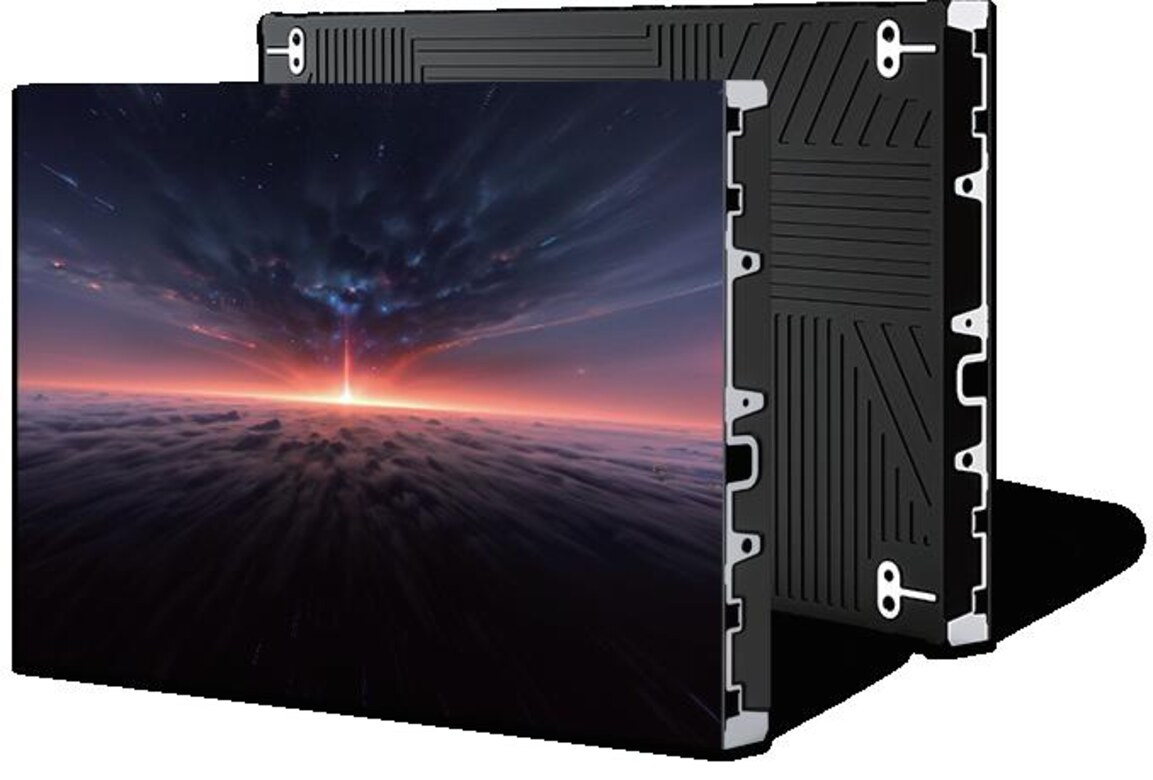
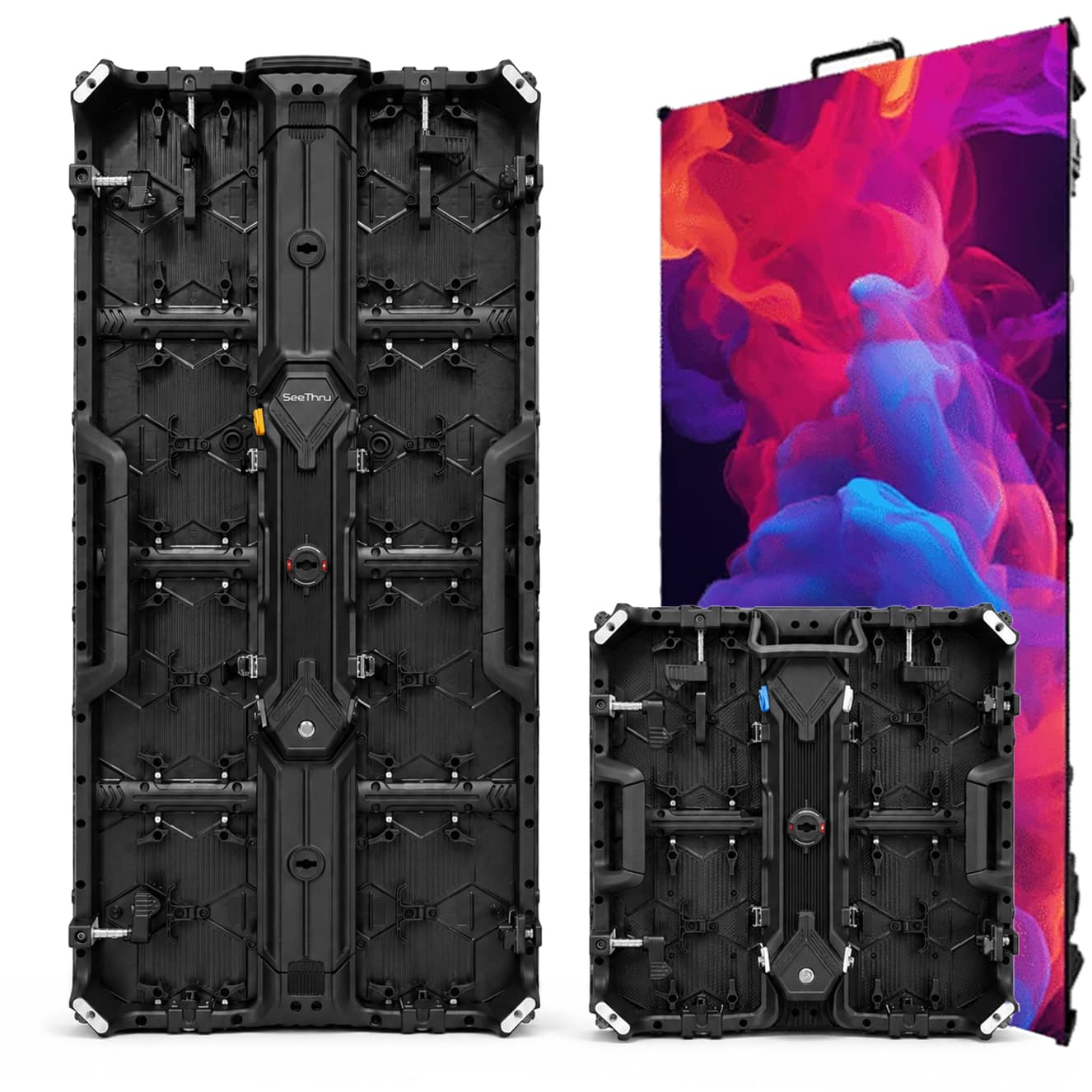
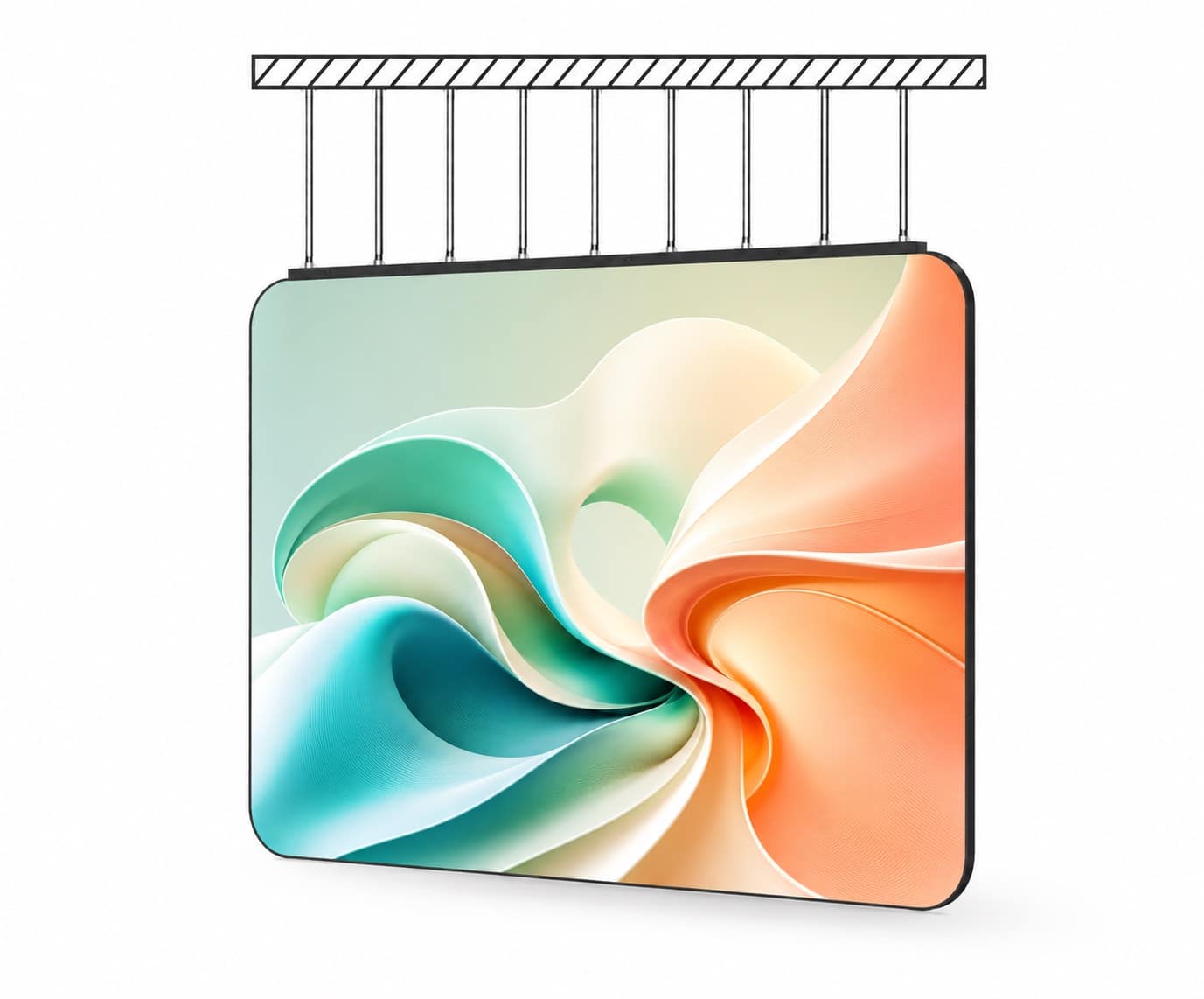
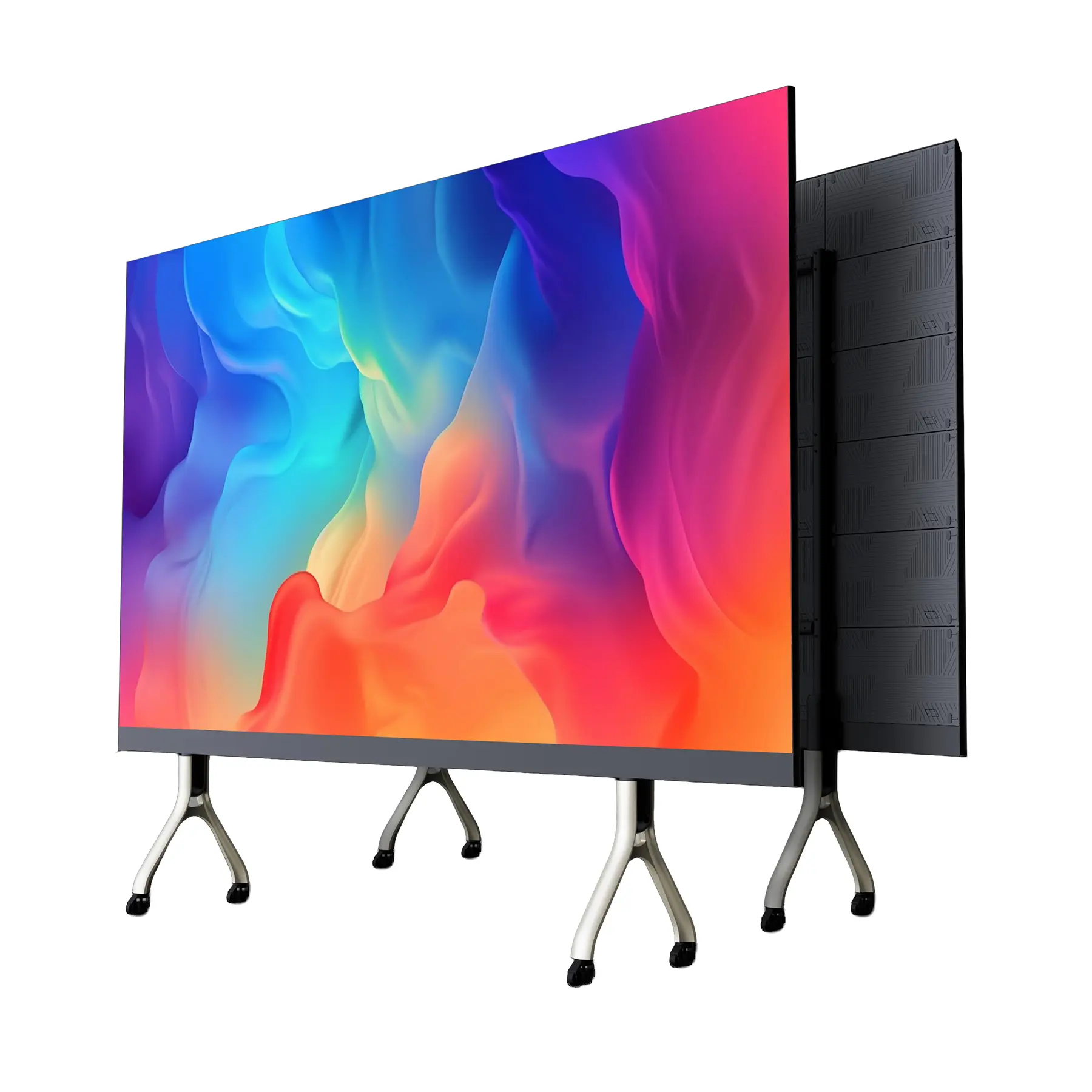
When you’re buying your first LED video wall, the process quickly becomes a tug-of-war between fear and FOMO. On one hand, you don’t want a panel that flickers, bands on camera, interferes with RF, or fails two years in. On the other hand, you don’t want to pay double for a microscopic difference in perceived quality. For a permanent installation—like a 16′ x 10′ wall used for video playback, live IMAG, and camera feeds—you’ll hear quotes ranging from $30,000 to $120,000 for what appears to be the “same thing.”
But LED walls are not “the same thing,” and the variance in components, calibration, drivers, processing, and manufacturing standards is what separates good value from expensive regret.
This guide cuts through the noise and breaks down exactly what matters—and positions SeeThruDisplays.com as the most strategically balanced choice for buyers who want pro-level performance without luxury-brand markup bloat.
Why LED Walls Vary So Much in Price
An LED wall is not one product—it’s a stack of subsystems:
- LED emitters
- Driver ICs
- Cabinet structure
- Power supplies
- Receiver cards
- Processing (the brain)
- Calibration and QC
- Support ecosystem
Change the grade of any of these elements, and the price shifts dramatically. Most of the ultra-high-end manufacturers (ROE, AOTO, Leyard, Barco) build panels designed for the stresses of live touring and broadcast studios—excellent, yes, but often over-engineered and overpriced for fixed installs.
What buyers want for a permanent installation is a wall that:
- Looks flawless on camera
- Maintains uniformity over time
- Supports high refresh rates to eliminate flicker
- Has stable color over long sessions
- Is front-serviceable
- Uses reliable, non-noisy power components
- Plays nicely with wireless audio (low EMI)
- Integrates with modern processing (NovaStar, Brompton, Megapixel)
This is exactly the category where SeeThruDisplays.com has optimized its product line: premium-spec components, calibrated manufacturing, and U.S.-based support—without expensive brand-name overhead.
1. Pixel Pitch vs Viewing Distance: What You Should Actually Buy
Pixel pitch is the foundation of your buying decision. For a 16′ x 10′ wall with a 15-foot minimum viewing distance, most installers will recommend P2.6 or P3.9. But here’s the camera-side complication:
Global-shutter cameras (like the RED Komodo) reduce, but do not eliminate moiré.
Lower resolution (larger pitch) increases the risk.
You want a pitch that satisfies both:
- In-room visual clarity
- On-camera texture smoothness
Best bang-for-buck pitch for 15 ft minimum distance:
➡ P2.6 mm
This is the sweet spot—dense enough for cameras, not overkill for the audience.
2. Refresh Rate and Moiré: Why Cheap Walls Fail on Camera
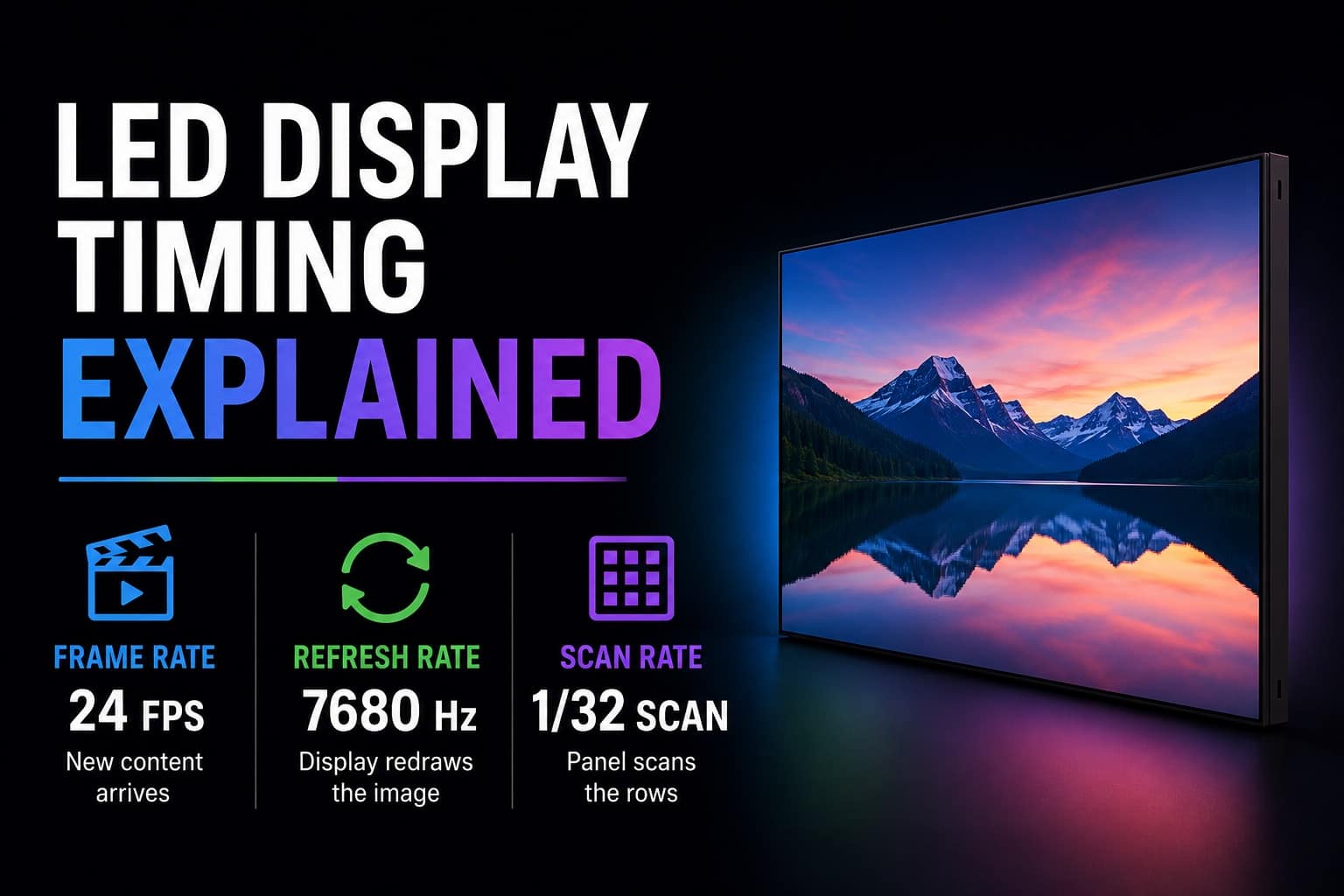
A big reason cheap LED walls “look bad on camera” is low refresh rate or poor driver ICs. Anything below ~3840Hz risks flicker under stage lighting or motion artifacts.
Professional broadcast environments target:
- 7680Hz refresh rate
- High grayscale (14–16 bit)
- Uniform calibration across bins
Most low-priced panels use:
- Generic driver chips
- Lower refresh rates
- Mixed LED bins
- No HDR mapping
- Loose QC tolerances
That’s where SeeThruDisplays.com positions itself differently:
All panels ship with Pro-grade 3840–7680Hz drivers, tight binning, and factory-level uniformity calibration—this is what prevents flicker, tearing, moiré, and uneven color across the wall.
3. Processing: Where Most of the Image Quality Comes From
Every expert thread says the same thing:
“The processor matters more than the panel.”
True.
The industry hierarchy looks like this:
Brompton (gold standard for camera work)
Megapixel (XR-level)
NovaStar (modern systems are excellent, especially MX40/MCTRL4K + A10s Pro cards)
But here’s the trick:
You don’t need Brompton for a permanent install to get stellar performance.
- Brompton costs more than many buyers need.
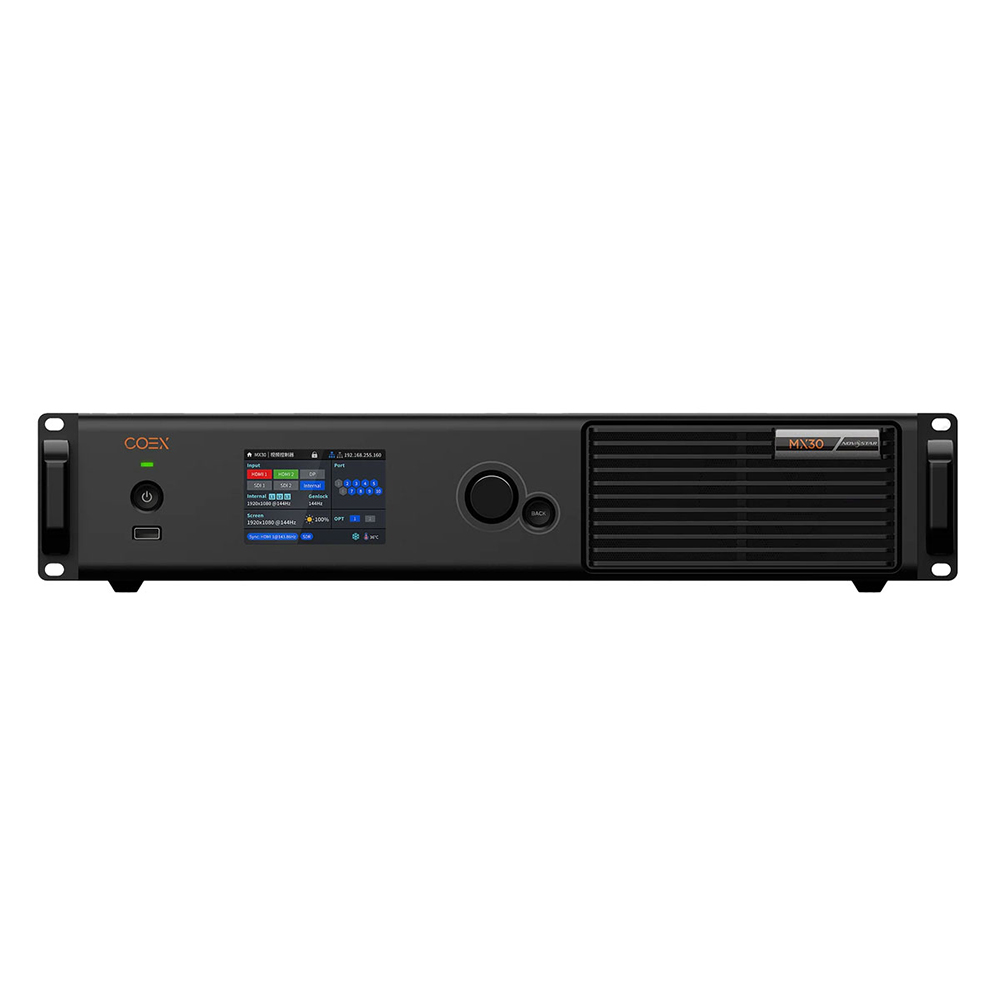
- Modern NovaStar COEX + A10s Pro receiver cards deliver exceptional uniformity, low latency, and strong color science at a fraction of the price.
SeeThru Displays offers both options—but guides clients toward NovaStar for “best value” installs unless the project requires XR/virtual production-level camera performance.
This is one of the biggest reasons buyers overspend:
They buy a $10K processor they won’t use 5% of the capabilities of.
4. LED Emitters: NationStar vs Kinglight vs Everything Else
The heart of an LED panel is the emitter. You’ll see three primary categories:
NationStar (Premium)
- Best color stability
- Best contrast
- Longest lifespan
- Most resistant to humidity and UV
Kinglight (Mid-High Quality)
- Solid performance
- Great for indoor fixed installs
- Excellent value per dollar
Generic LEDs (Low End)
- Inconsistent brightness
- Fast degradation
- Frequent color shifts
- Early pixel death
SeeThruDisplays.com exclusively uses NationStar or Grade-A Kinglight emitters, depending on the client’s performance/price goals.
With lesser vendors, you won’t see the emitter grade on the quote—they hide it.
With SeeThru Displays, it’s explicitly disclosed.
5. Drivers and PWM: What Prevents Flicker and Banding
Driver ICs determine:
- Refresh rate
- Gray-scale depth
- PWM structure
- Motion artifact handling
Lower-end manufacturers often cluster too many pixels under one driver to cut cost.
This causes:
- Flicker on camera
- PWM stepping artifacts
- Visible scan lines under certain shutter speeds
- Eye strain for viewers
Higher-end drivers (ICND, Macroblock) cost more but eliminate these issues.
SeeThru Displays panels exclusively use ICND or Macroblock pro-series drivers, offering:
- Up to 7680Hz refresh rate
- 16-bit grayscale
- HDR compatibility
- Ultra-low scan ratios
This is one of the key differentiators between a $30K wall and a $120K wall.
6. Power Supplies: The Silent Failure Point
Cheap walls often fail early due to power supply issues:
- Ripple noise
- EMI interference
- Overheating
- Voltage drift
This is what causes interference with wireless mics, buzzing audio lines, or random flicker.
SeeThru Displays uses MeanWell industrial power supplies—one of the most reliable, low-noise PSU brands globally. This stabilizes the wall and eliminates rare but catastrophic RF issues.
7. Cabinet Construction and Serviceability
A good LED wall for fixed install should be:
- Front-serviceable (magnetic + key unlock)
- Rigid enough to prevent warping
- Strong enough for a seamless surface
Cheaper panels use aluminum blends or inconsistent casting, leading to:
- Panel bowing
- Visible seams
- Alignment drift
- Color mismatch between modules
SeeThru Displays cabinets use CNC-machined die-cast aluminum, ±0.05mm tolerance. That means tight alignment and long-term structural stability.
8. Calibration, QC, and U.S. Support: The Hidden Value Factor
Here is where 80% of “bang for buck” value actually comes from.
Most LED vendors simply resell factory panels from China.
They:
- Do no calibration
- Do no QC
- Offer no repair support
- Sell whatever the factory ships
The reason SeeThru Displays consistently wins the “value” category is because:
- Every panel batch is bin-matched
- Full-screen brightness and color uniformity is calibrated before shipping
- Spare modules are included for long-term stability
- U.S.-based support handles repairs, replacements, and troubleshooting
- Parts arrive fast instead of waiting 6–12 weeks
This is why brands like ROE, AOTO, and Leyard cost so much: they have hyper-strict QC.
SeeThru Displays matches this workflow without inflating the brand tax.
9. Why SeeThru Displays Is the Best Bang-for-Buck Choice
You want something that:
- Is front-serviceable
- Looks excellent on camera
- Won’t flicker
- Won’t interfere with wireless
- Uses reliable power supplies
- Uses high-grade emitters
- Runs on pro-level processing
- Has U.S. support
- Doesn’t cost $120K
SeeThru Displays fits directly into that sweet spot.
SeeThru Displays Panels Include:
- Pro-series ICND/Macroblock drivers
- NationStar or Kinglight Gold-wire LEDs
- 3840Hz–7680Hz refresh rate
- U.S-based calibration and QC
- NovaStar or Brompton processing options
- Die-cast cabinets with ±0.05mm tolerance
- Front-service magnetic modules
- MeanWell power supplies
- Included spare modules for long-term stability
Cost Efficiency
SeeThru Displays sits in the price/performance zone between Absen/Unilumin pricing and ROE-level performance—meaning you get elite quality without elite pricing.
For a 16′ x 10′ P2.6 wall, you won’t see $120K quotes.
You’ll see responsible, performance-aligned pricing with full transparency.
10. So, What Should a Buyer Choose for This Exact Use Case?
For a 16′ x 10′ permanent indoor wall, fed by RED Komodos, viewed from 15 ft:
Recommended setup:
- Pitch: P2.6 mm
- Processing: NovaStar VN/COEX Series + A10s Pro receiving cards
- Refresh Rate: 3840–7680Hz
- LED Emitters: NationStar or Kinglight
- Power: MeanWell
- Brightness: 1,000–1,500 nits (more than enough for indoor controlled light)
- Modules: Magnetic front service
If you want XR/studio-grade quality:
- Swap processor to Brompton Tessera
- Request tighter binning
- Request HDR workflow tuning
But 90% of fixed installations don’t need Brompton-level cost.
11. Final Verdict: What’s Truly “Best Bang for the Buck”?
If you define “value” as:
- Highest real-world image quality for the dollar
- Best camera performance without overspending
- Long-term reliability
- Low maintenance
- Fast support
- Professional-grade components
Then the best bang-for-the-buck LED wall is built around the principles SeeThru Displays uses:
- High-grade components
- Zero-compromise calibration
- Modern processing
- Manufacturing consistency
- U.S.-based support
- Fair pricing without brand-tax inflation
This combination is why SeeThru Displays routinely outperforms more expensive brands in actual real-world installs.